Private AI tools for your Mac
Dictate, translate, summarize, and read documents with AI that runs on your Mac. Your work never goes to an AI company.
Download for Mac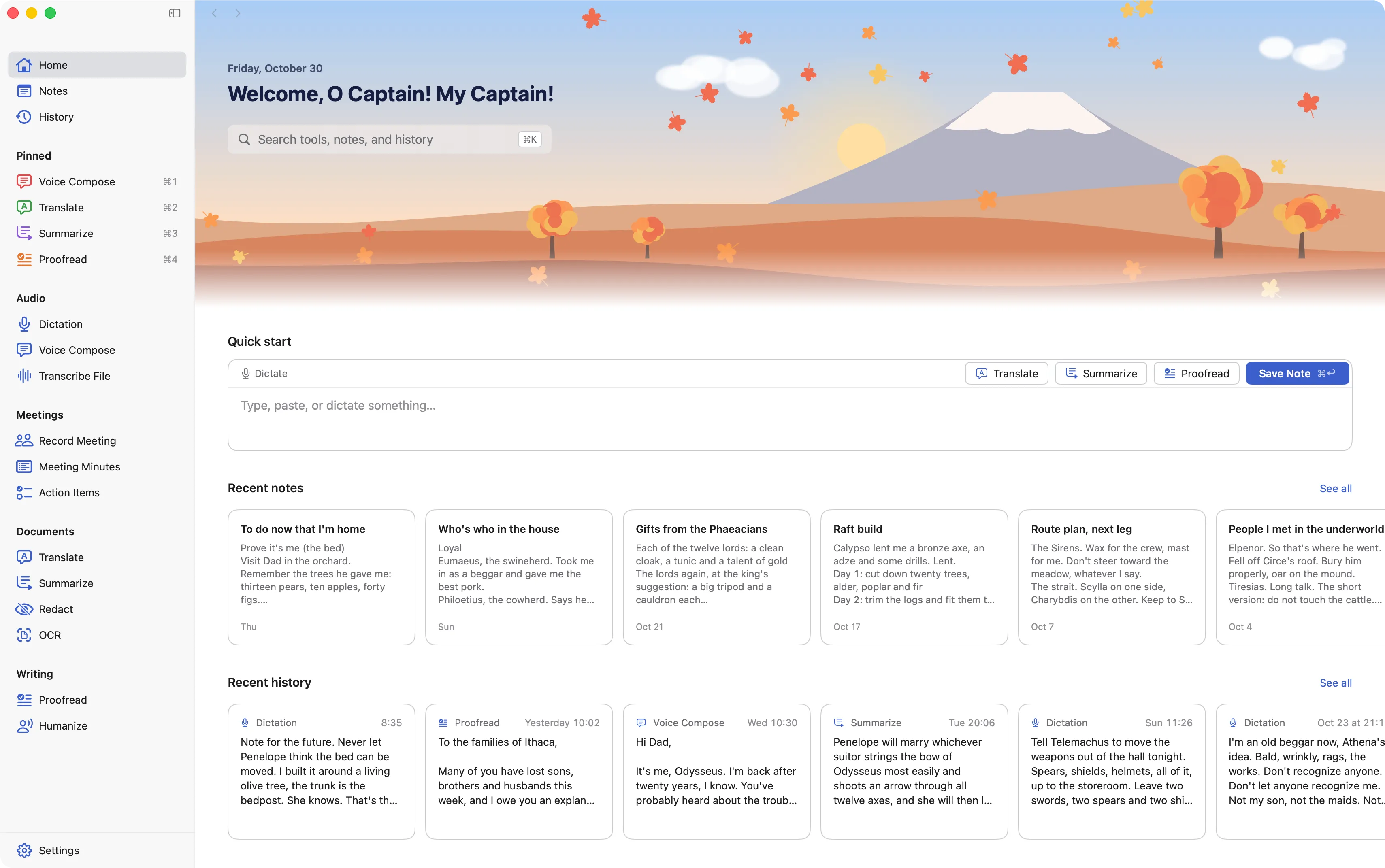
Pick a task.Artifact Four does the rest.
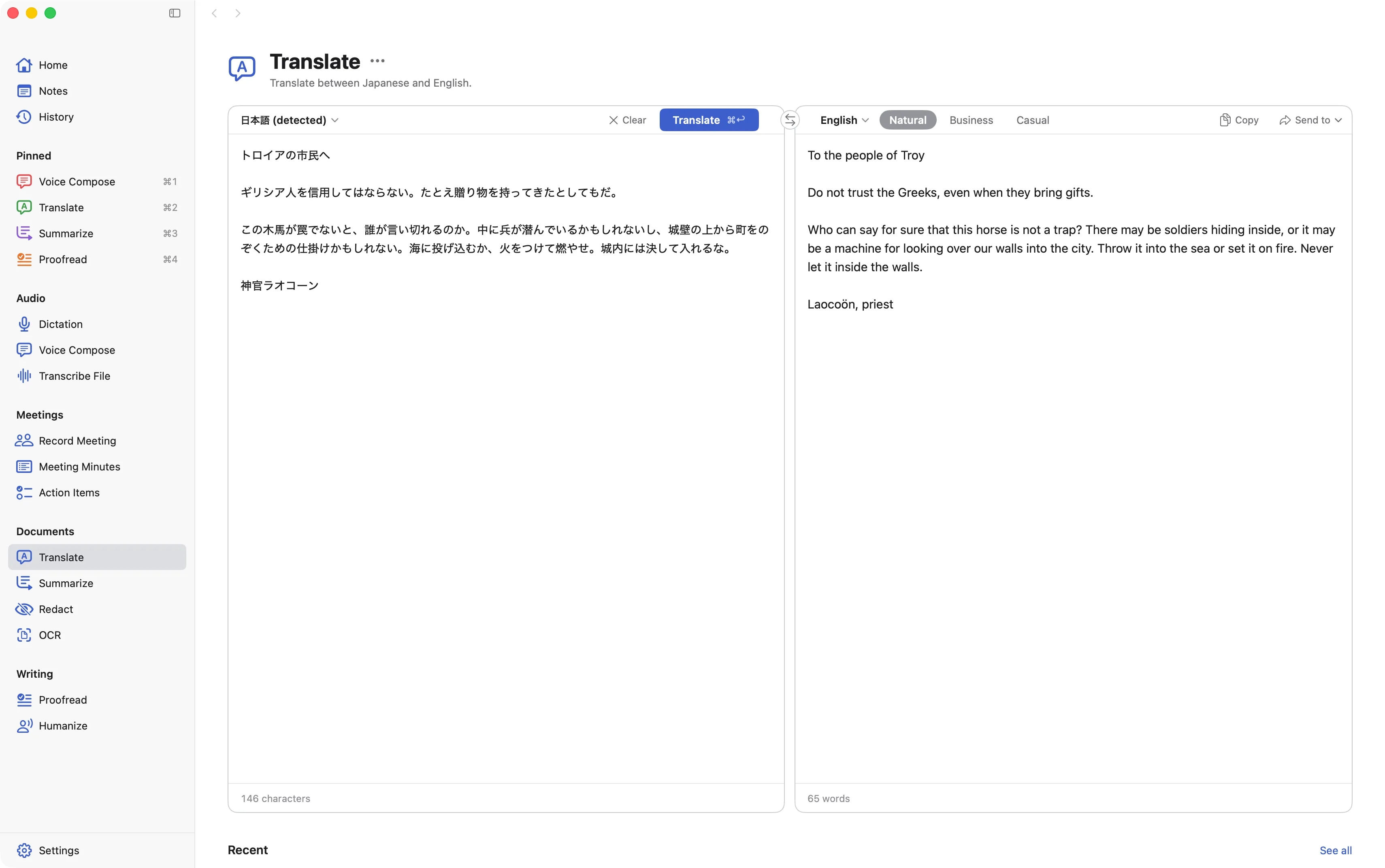
Japanese and English, both ways. Translate anything you type or paste, in a natural, business, or casual tone.
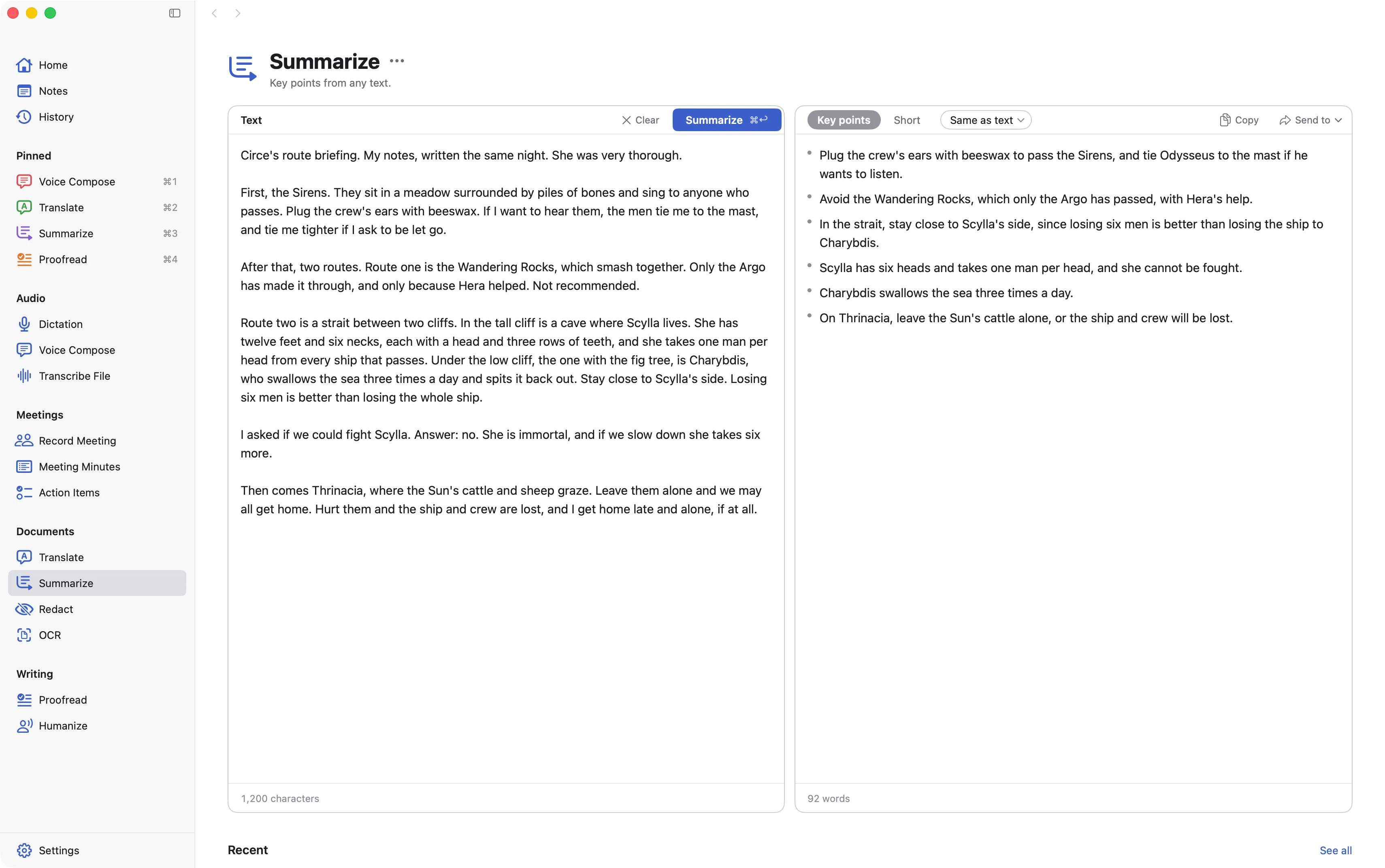
The gist of long text. Get key points or a short paragraph from anything you paste in.
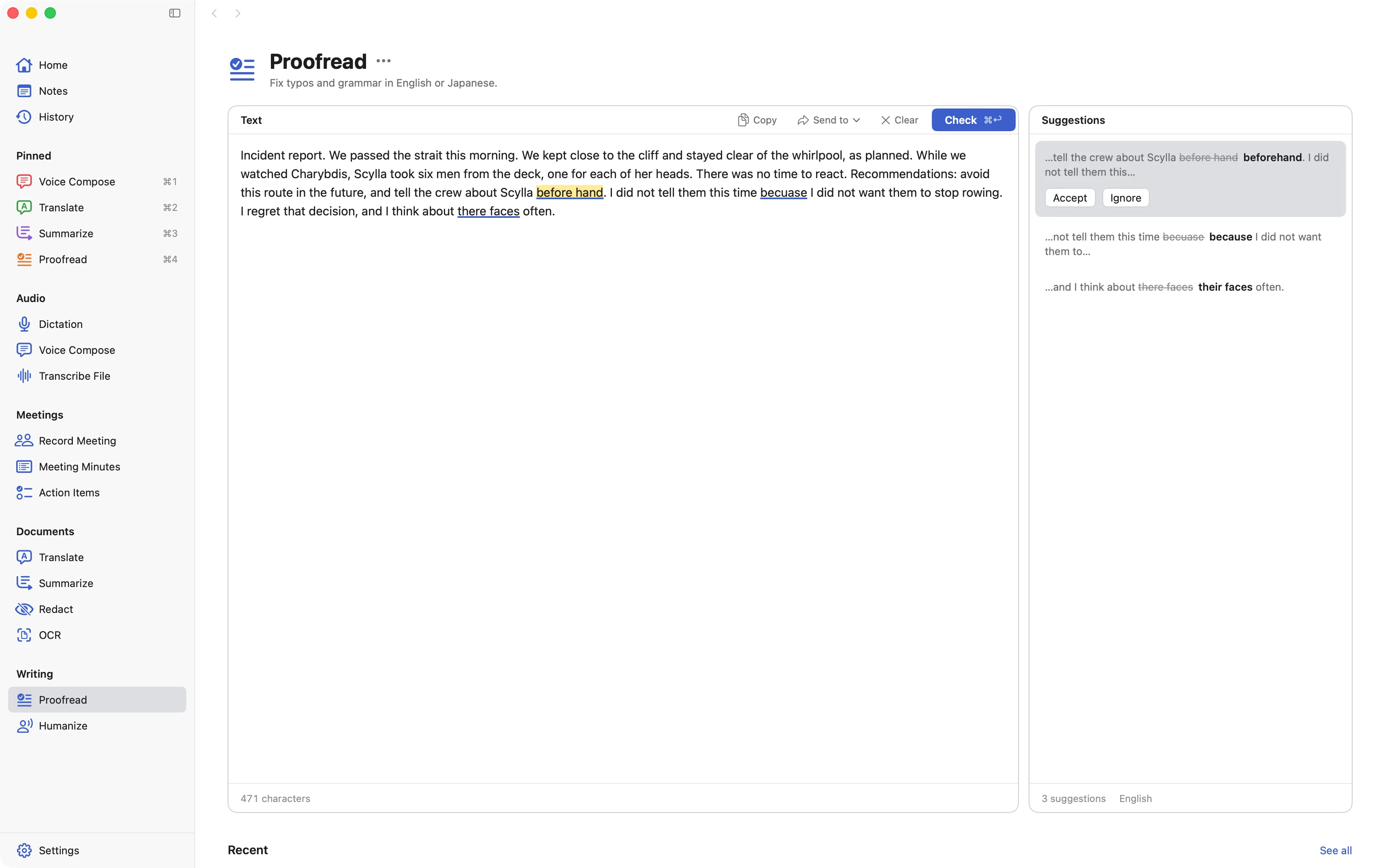
Catch the slips. Fix typos and grammar in English or Japanese, one suggestion at a time.
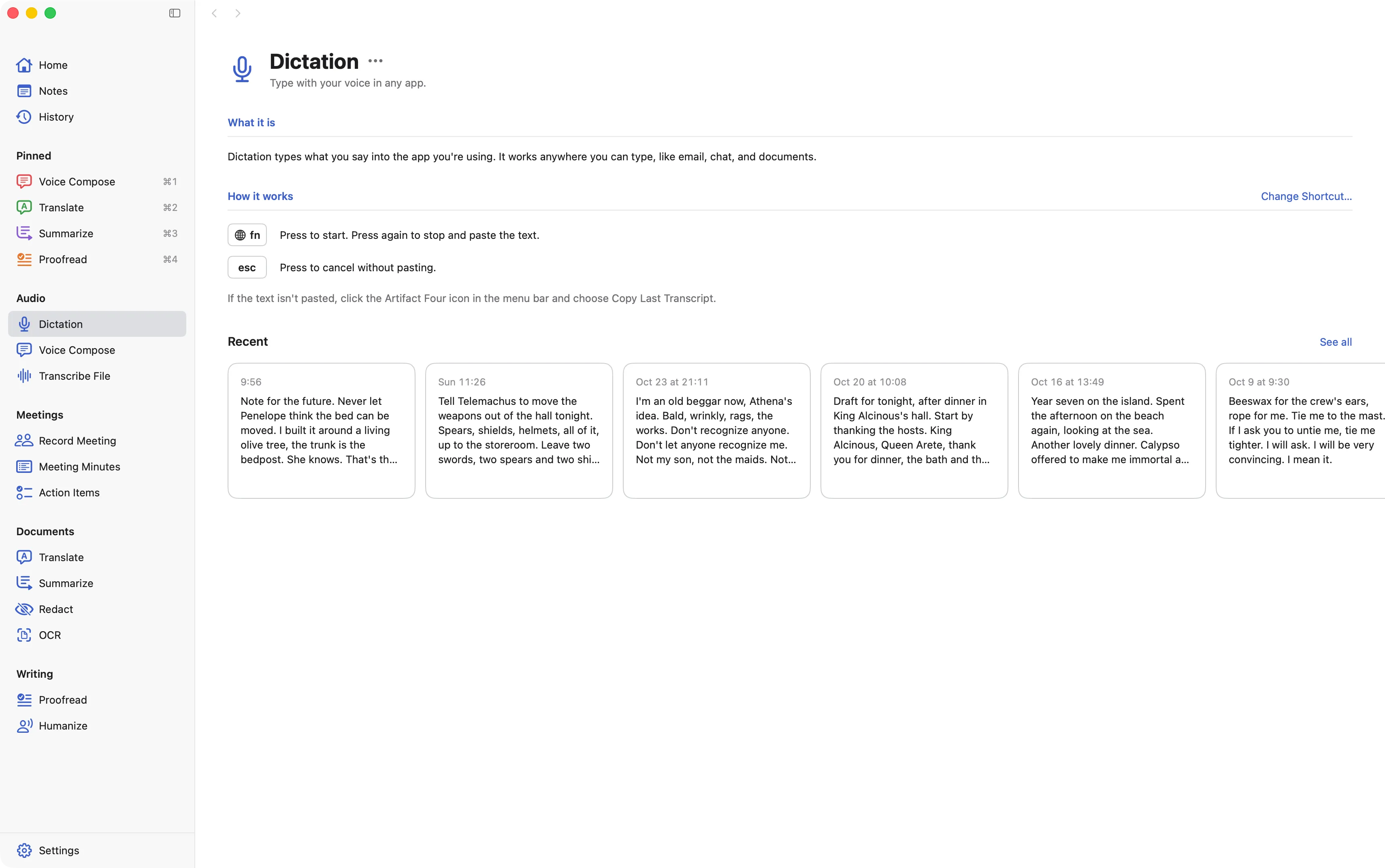
Type with your voice. Press fn, speak, and clean text appears in whatever app you're using.
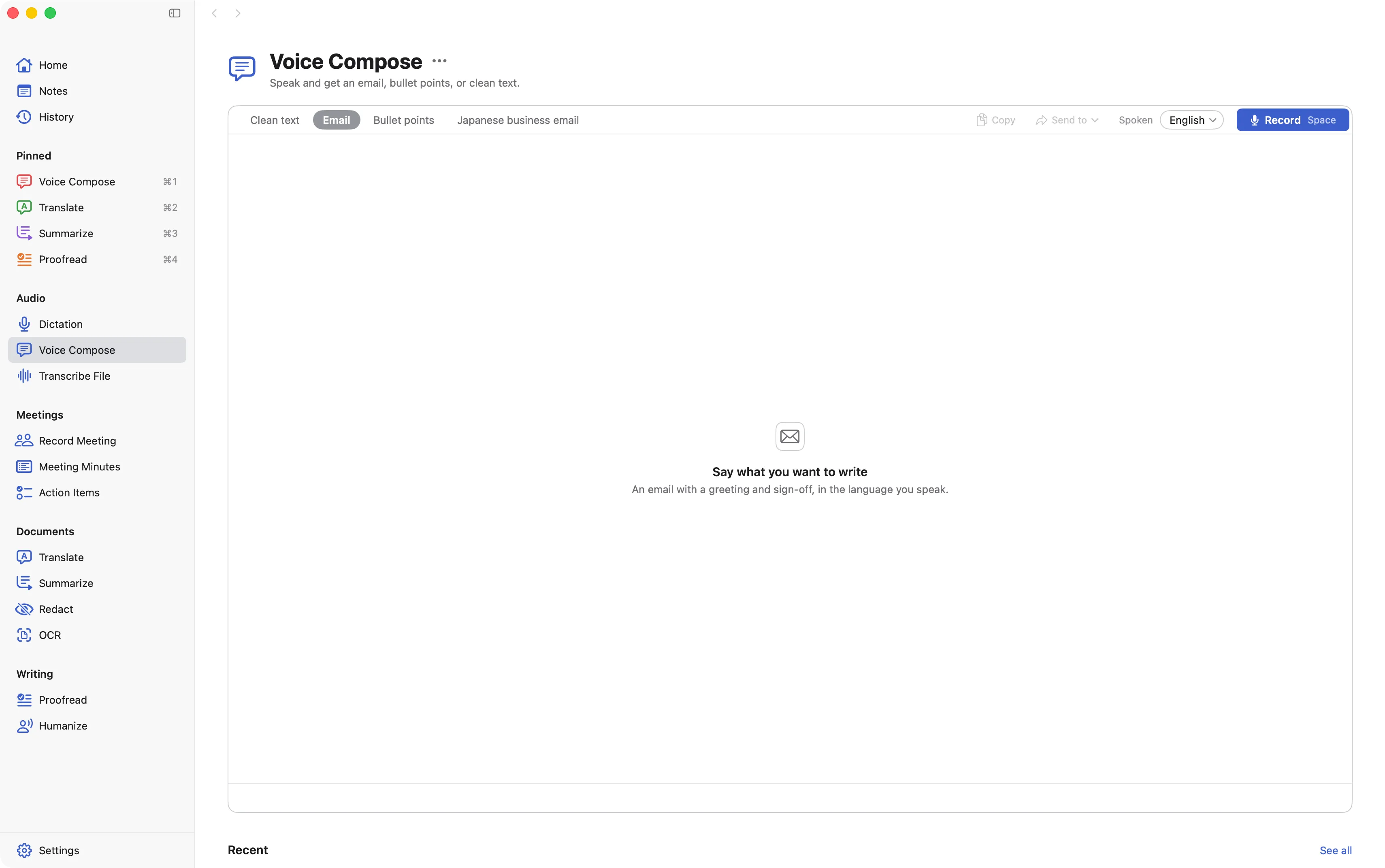
Speak, and get it written. Talk it through, then get an email, bullet points, or clean text.
Your work stays on your Mac.Not with an AI company.
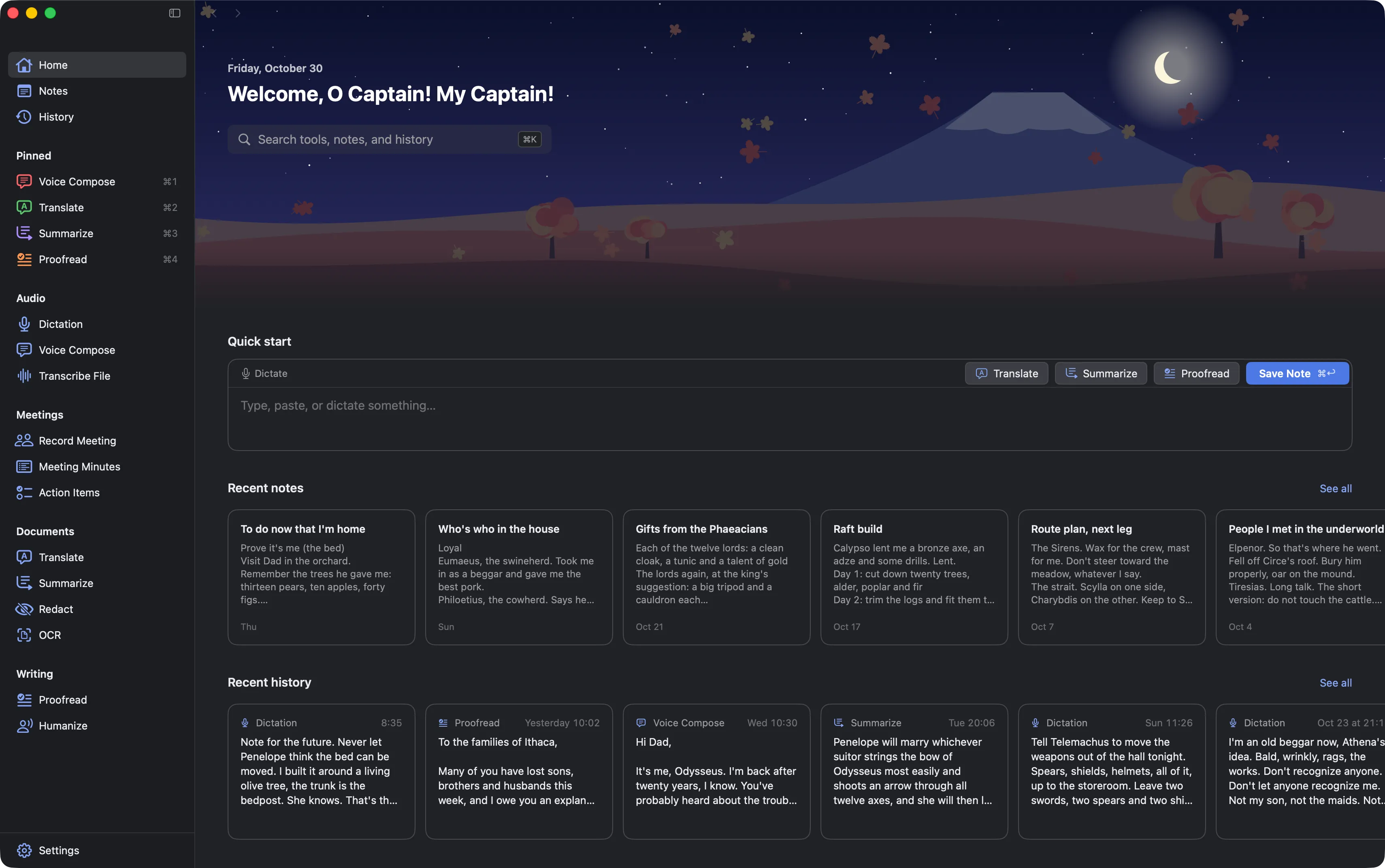
Done on your Mac.
The AI runs on your Mac itself, and everything you make is saved only on your Mac.
Never sent to AI companies.
Nothing you dictate, translate, or summarize is sent to an AI company.
Works offline.
Once the AI models are downloaded, every tool works without an internet connection.